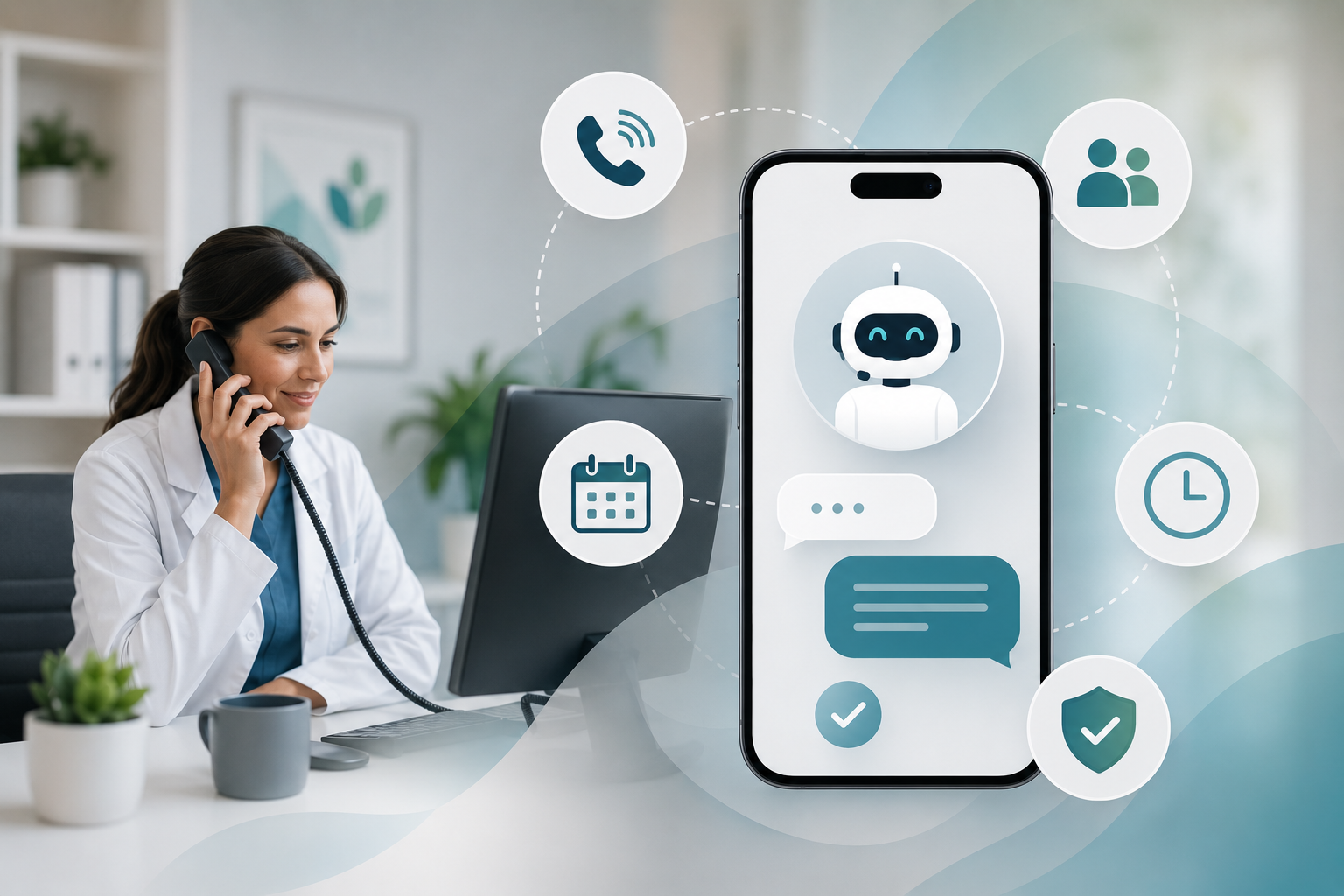
A prospective patient who calls at 6:40 on a weeknight and reaches a generic voicemail greeting seldom leaves a message. They dial the next practice in the search results. AI answering for medical practices is meant to close that gap: a conversational system picks up when your staff cannot, finishes the routine request, and passes everything else to a person.
This guide is for practice managers and physician-owners being pitched these tools who want a plain view of what to hand to software, what has to stay with people, and how to tell whether it is paying its way.
Start With the Calls Nobody Picks Up
Most practices lose calls in three predictable windows: after closing, over the lunch hour, and during the Monday morning surge when every line lights up at once. The front desk is not failing. It is checking in the patient standing at the counter, which is the right priority, while the phone rings out behind it.
Before you evaluate any answering technology, pull a call report by hour of day for the last month: calls offered, calls answered, calls abandoned, and calls sent to voicemail. If your current setup cannot produce that report, fix that first. A modern VoIP phone system built for medical offices gives you the baseline, and it is also the platform most answering tools plug into.
Where AI Answering for Medical Practices Earns Its Place
The strongest use cases share two traits: the request is routine, and the realistic alternative is no answer at all.
After-hours coverage
Evenings and weekends are when many working adults finally have time to book care. An AI agent can greet the caller, state clearly that the office is closed, collect the reason for the call in non-clinical terms, take an appointment request, and queue it for the morning team.
Overflow during peak hours
Configured as a backup, the system answers only when your staff has not picked up within a set number of rings. Callers who would have sat on hold or hung up get an immediate response, and your team stays the first choice whenever it is free.
Routine questions
Hours, directions, parking, which insurance plans you accept, what to bring to a first visit, how to reach the billing office. These questions eat a surprising share of front-desk time, and the answers do not change from caller to caller.
Appointment requests
Whether a tool can book directly into your schedule depends on the product and on your practice management software, so ask for a live demonstration against your own setup instead of trusting a brochure. Even a simple version that captures name, callback number, preferred times and new-or-existing status turns a missed call into a worked lead.
Where a Human Has to Take Over
An answering agent is a receptionist, not a clinician, and its script needs hard boundaries. Write the hand-off rules before you write a single greeting.
| Caller situation | What the system should do |
|---|---|
| Describes symptoms or asks for medical advice | Decline to advise and route to clinical staff or the on-call line under your existing protocol |
| Anything that sounds like an emergency | Give the same emergency instruction your current after-hours message gives, immediately, and stop the routine script |
| Asks about test results, medications or refills | Take a message for the clinical team and never discuss chart information |
| Is upset or wants to file a complaint | Transfer to a named staff member during hours; after hours, promise a callback and log it |
| Has been misunderstood twice | Stop trying, then transfer or take a message |
Two more rules belong in every configuration. The agent should say at the start that it is an automated assistant, and a caller who asks for a person should get one, or a firm callback commitment, without an argument.
Setup: Scripting, Routing and the First Two Weeks
- List the top twenty reasons people call. Your front desk can recite them from memory. Sort each into “software can finish this,” “software collects details and a person finishes,” or “person only.”
- Draft answers in your practice’s voice. Short sentences, no jargon, and no promises about availability or coverage that your staff would not make.
- Decide where every message lands. Appointment requests go to a scheduling queue with a named owner; clinical messages follow your existing triage path. A message with no owner is just a slower voicemail.
- Set a callback standard. For example, after-hours requests are returned by a fixed time the next business morning, and the agent tells callers exactly that.
- Test it the way patients will use it. Have staff call with background noise, vague requests and each awkward scenario from the table above.
- Launch on after-hours only. Read every transcript for the first two weeks, correct the script, then extend to daytime overflow.
Some practices pair the phone agent with a text confirming that the request was received. If you do, keep clinical detail out of the message and make sure your text messaging program has proper consent behind it.
Privacy and Vendor Diligence
Callers will give their names, birth dates and reasons for visiting, so an answering vendor is very likely handling protected health information on your behalf. In general terms, HIPAA expects a covered entity to have a business associate agreement with a vendor in that position and to understand how the vendor safeguards the data. Questions worth asking before the sales process goes any further:
- Will you sign a business associate agreement, and can we read it now?
- Where are recordings and transcripts stored, who can access them, and how long are they kept?
- Is our callers’ data used to train models, and can we refuse that?
- During an outage, does the call fall back to our normal voicemail and on-call routing?
State rules on recording calls and disclosing automation vary as well. Treat this section as general information, not legal advice, and have your compliance counsel review the agreement and the call flow before launch.
Evaluating It Honestly After Ninety Days
Vendors tend to report how many calls the system “handled.” That number flatters the product. What matters is what happened next.
- How many after-hours and overflow calls became appointment requests, and how many of those were booked and kept?
- How many callers hung up within seconds of hearing an automated voice?
- How often did the agent transfer or escalate, and were those hand-offs the right ones?
- What do the conversations sound like? Read a sample every week instead of relying on the dashboard.
A hypothetical example shows the logic. Say a practice was sending 60 calls a month to voicemail after hours and only a handful of those callers left messages. If the agent now captures 35 appointment requests from the same volume and the team books 20 of them, the comparison that matters is 20 new visits against the monthly fee, not “60 calls handled.” If hang-ups are high and bookings are flat, the greeting or the hand-off is wrong, or your patients simply prefer people. Either finding is useful, and the second is a legitimate reason to switch the tool off.
A Practical First Step
Pull the missed-call report, list your top call reasons, and decide where the person-only line sits. With those three things in hand, any demo becomes a test against your requirements instead of a sales presentation. iLoyal Medical offers AI services for doctors, including AI answering and automation, and you can schedule a free consultation to talk through whether your call patterns justify it.
Frequently Asked Questions
Is AI answering HIPAA compliant for a medical office?
Compliance depends on the vendor and on how you configure the service, not on the technology by itself. Generally, a vendor that handles patient information for you should sign a business associate agreement and explain how it protects recordings and transcripts. That is a general description only; ask your compliance counsel to review the contract and the call script before you go live.
Can an AI answering service schedule appointments directly?
It depends on the product and on whether it connects to your scheduling or practice management software. Do not assume it does. Ask for a demonstration using your own appointment types and rules. Many practices start with request capture, where the agent gathers details and staff confirm the slot, then consider direct booking once they trust the data.
Should AI answering replace our front desk or our answering service?
Treat it as backup for your front desk, not a substitute. Staff remain the first choice during business hours, and the agent covers after-hours, lunch and overflow. Whether it replaces a traditional answering service depends on how that service handles clinical and urgent calls today. Keep a human path for anything clinical regardless of the tool.
What should an AI phone agent never do in a medical practice?
It should never give medical advice, interpret symptoms, discuss test results or medications, or delay a caller who may be having an emergency. It should also never pretend to be human or refuse a request to speak with a person. Build those limits into the script from day one and test them with staged calls before launch.
How do we know whether AI answering is worth the cost?
Measure booked and kept appointments that came from calls the agent answered, then compare that with the fee and with your old missed-call numbers. Add two quality checks: the share of callers who hang up early and whether staff return queued requests on time. Call volume “handled” alone tells you very little about value.
Let’s Chat!
Tell us what you want to accomplish with your marketing and we’ll connect you with the apps and team that fit you like a glove – even if it’s not iLoyal! Stop spending time searching and let experts guide you toward a marketing tech solution and great service experience.
Call 1-877-347-3376