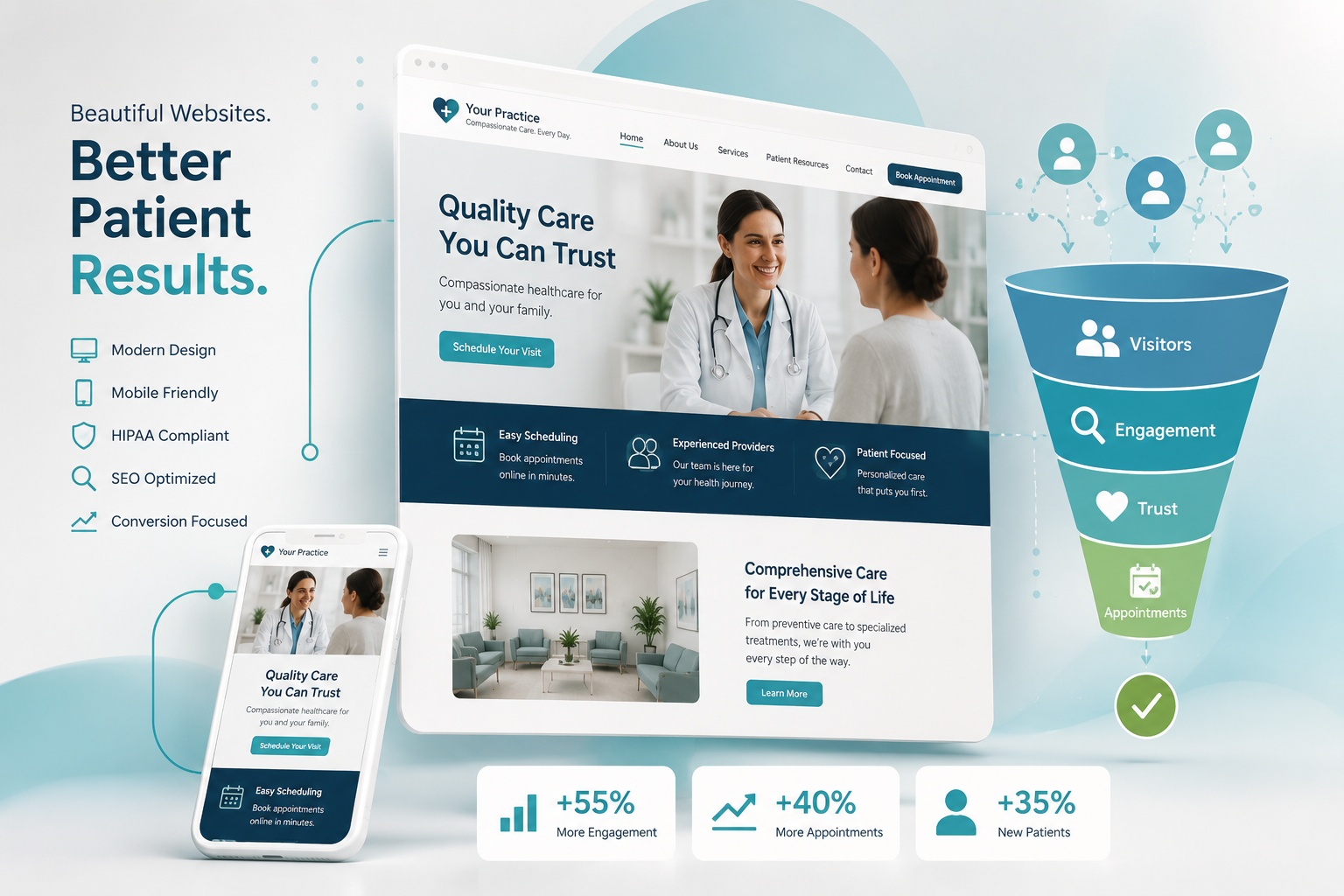
Plenty of practice websites look fine and still fail at their one job, which is turning a visitor with a health concern into a scheduled appointment. Good medical website design is less about color palettes and hero images than about removing every small obstacle between “I think I need to see someone” and “I’m booked for Thursday.”
This walkthrough is written for practice owners and managers who are about to redesign a site, or who suspect the current one is underperforming. Take out your phone, open your own website, and run the seven checks below as if you were a stranger who just found you in a search result.
Check 1: Can a Stranger Tell What You Do in Five Seconds?
The top of the home page has to answer three questions without scrolling: what kind of practice this is, where it is, and how to make an appointment. A rotating slideshow of stock imagery with a slogan such as “Compassionate care for life” answers none of them.
A stronger opening screen contains a plain statement of specialty and location, a primary button to request or book an appointment, a secondary tap-to-call button, and a short line on whether you are accepting new patients. Everything else can wait further down the page.
- Specialty and city or neighborhood stated in words, not implied by a photo
- One primary action, visually dominant, repeated in the header on every page
- Phone number visible in the header and tappable on mobile
- No auto-rotating carousel pushing the message off screen
Check 2: Does the Page Hierarchy Match How Patients Think?
Patients arrive with a problem or a service in mind. They do not know your internal department names, and they will not explore a menu labeled “Our Offerings” or “Centers of Excellence.” Organize navigation around the words patients use.
For most practices a simple top level works best: Services or Conditions, Providers, Locations, New Patients, and Contact or Book. Under Services, give every significant service its own page rather than listing them all on one. Under New Patients, gather insurance, forms, what to expect and payment information in one place, because that section exists to remove last-minute doubts.
| Menu label patients understand | Label that loses them |
|---|---|
| Services | Solutions |
| Our Doctors or Providers | Our Team of Experts |
| New Patients | Resources |
| Insurance and Payment | Financial Policy |
| Book an Appointment | Get Started |
A useful rule: any important page should be reachable within two taps of the home page, and a visitor who lands deep in the site from a search should always be one tap from booking.
Check 3: Are Service Pages Built to Convert, Not Just to Exist?
Service pages are where most search visitors enter, which makes them more important to conversion than the home page. A single paragraph and a stock photo will not do the work. Each priority service deserves a page with a consistent structure:
- A plain-language description of the service and who it is for.
- The symptoms or situations that typically lead someone to seek it.
- What happens at the first visit, step by step.
- Which providers offer it, with links to their profiles.
- Which locations offer it.
- Insurance or payment notes that apply.
- A booking action at the top, middle and bottom of the page.
Keep the clinical language conservative. Describe the service and the process; avoid promising outcomes or comparing yourself with other practices. Have a provider review each page before it is published.
This structure also happens to be what search engines reward: specific, useful pages that match what a person searched for. Design and healthcare search engine optimization should be planned together, because a page hierarchy that is rebuilt after launch for search reasons costs twice.
Check 4: How Does It Feel on a Phone, With One Thumb?
A large share of visits to most practice websites now comes from mobile devices, often from someone standing in a kitchen or sitting in a parked car. Design for that person first and adapt upward to the desktop, not the other way around.
- Tap-to-call everywhere. Every phone number on the site should dial when tapped. A sticky bar at the bottom of the mobile screen with Call and Book buttons keeps both actions within reach at all times.
- Thumb-sized targets. Buttons and menu links need enough size and spacing that they cannot be mis-tapped.
- Readable text. Body copy should be comfortable without pinching to zoom, with strong contrast against the background.
- Tap for directions. Each location’s address should open in the phone’s map application.
- No pop-ups covering the screen. A newsletter prompt that blocks the Book button is an own goal.
Check 5: Is the Appointment Request Actually Easy?
This is where the most conversions are lost. Try to request an appointment on your own site and count the fields. Every additional field tends to lower the completion rate, and a long intake questionnaire disguised as a contact form drives people away.
Ask only for what scheduling needs
Name, phone, email, new or existing patient, preferred location or provider, and preferred days are usually enough to start a conversation. Clinical history belongs in the secure intake process after the appointment is made, not in a marketing form.
Treat form data as sensitive
An appointment request can reveal health information, so how the form transmits, stores and emails that data matters. Use secure, healthcare-appropriate form handling and vendors willing to sign a business associate agreement where one is needed. This is general information and not legal advice; confirm your setup with your compliance counsel.
Set the expectation, then meet it
The confirmation message should state when the patient will hear back, such as within one business day, and offer the phone number for anything sooner. Then route submissions to a monitored inbox with a named owner. A beautifully designed form that nobody answers until Monday is worse than no form.
If you offer real-time online scheduling, make it the primary button and keep the request form as the fallback for visit types that cannot be self-booked.
Check 6: Is It Fast and Usable by Everyone?
Speed is a design decision. Oversized images, background video, animation libraries, chat widgets and a stack of tracking scripts each add delay, and mobile visitors on a weak signal feel all of it. Ask your developer to compress and correctly size images, load below-the-fold media only when needed, remove plugins that are not earning their place, and host the site somewhere dependable. Test on a real phone over a cellular connection, not on the office network.
Accessibility deserves the same seriousness. A meaningful share of any practice’s patients have low vision, limited dexterity or use assistive technology, and a healthcare site should be the last place they are shut out. The essentials are not exotic:
- Sufficient color contrast and text that can be resized
- Descriptive alternative text on meaningful images
- Forms with proper labels and clear error messages
- Full keyboard operability, including menus and the booking flow
- Captions on video
- Headings used in logical order so screen readers can scan the page
Building to the widely used web accessibility guidelines from the start is far cheaper than retrofitting. Be cautious about overlay widgets that promise instant compliance; they do not replace accessible design.
Check 7: Do the Trust Signals Look Real?
A new patient is deciding whether to hand their health to people they have never met. The site should lower that anxiety with evidence, placed where decisions happen rather than tucked into an About page.
- Real photography. Your actual building, reception area, exam rooms and staff. Visitors recognize stock models immediately, and the effect is the opposite of reassuring. A single day of professional practice photography and video can supply the entire site.
- Provider profiles. A current photo, credentials, conditions treated and a booking link for each clinician. Keep them brief and consistent.
- Reviews, handled carefully. Linking to your public review profiles is the simplest approach. If you display testimonials on the site, get written authorization first and avoid outcome claims.
- Practical transparency. Accepted insurance plans, hours, parking, and what a first visit involves. Clarity itself builds confidence.
- Visible upkeep. An expired holiday notice or a provider who left two years ago tells visitors nobody is minding the details.
Turning Your Medical Website Design Audit Into a Plan
Score each of the seven checks as pass, partial or fail. Fix the failures closest to the appointment first: the booking form, tap-to-call and the mobile header usually pay back faster than a full visual redesign. If most checks fail, a rebuild on a clean structure is the better investment than patching.
Either way, plan for the site to be maintained, not just launched. Practices that want a partner for that can look at iLoyal Medical’s medical web design, updates and maintenance service, or schedule a free consultation to review your audit results together.
Frequently Asked Questions
What makes a medical website convert visitors into patients?
Clarity and ease. Visitors should immediately see what the practice treats, where it is and how to book. Strong service pages, a short appointment request form, tap-to-call on mobile, fast loading and genuine photos of the practice all reduce hesitation. Most conversion gains come from removing obstacles rather than adding features.
How many fields should a medical appointment request form have?
As few as scheduling staff need to begin the conversation. Name, contact details, new or existing patient status, preferred location or provider, and preferred times are typically enough. Leave clinical history and insurance specifics for the secure intake process after booking. Shorter forms are completed more often and collect less sensitive data.
Should a medical practice website have online scheduling?
If your scheduling system supports it and your visit types allow it, yes. Many patients prefer to book without calling, especially outside office hours. Make it the main button and keep a simple request form as a fallback. If real-time booking is not feasible, a well-monitored request form with a clear response-time promise still performs well.
How often should a medical practice redesign its website?
There is no fixed schedule. Redesign when the site no longer works well on phones, is hard to update, loads slowly, or no longer reflects your services and providers. Between redesigns, continuous maintenance matters more: updating providers and hours, refreshing service pages and fixing small usability problems as they are found.
Does a medical practice website need to be accessible to people with disabilities?
It should be. Patients with visual, motor or cognitive impairments need to find information and book care like anyone else, and accessible design generally improves usability for every visitor. Legal expectations vary, so treat this as general information rather than legal advice and ask your counsel how accessibility requirements apply to your practice.
Why is my practice website getting traffic but few appointment requests?
Common causes include thin service pages that do not answer patient questions, a booking path that is hard to find on mobile, long forms, slow load times and traffic from outside your service area. Walk through the site on a phone as a new patient would, and check whether form submissions and calls are being answered promptly.
Let’s Chat!
Tell us what you want to accomplish with your marketing and we’ll connect you with the apps and team that fit you like a glove – even if it’s not iLoyal! Stop spending time searching and let experts guide you toward a marketing tech solution and great service experience.
Call 1-877-347-3376